
Auctionator Not Working in WoW Forever: What to Check

When Auctionator stops working in World of Warcraft: Forever the cause is usually one of three things: the addon is out of date after a game update, another auction house addon is clashing with it, or the auction house itself is not answering and no addon could work. The checks below take a few minutes and go from the quickest to the slowest.
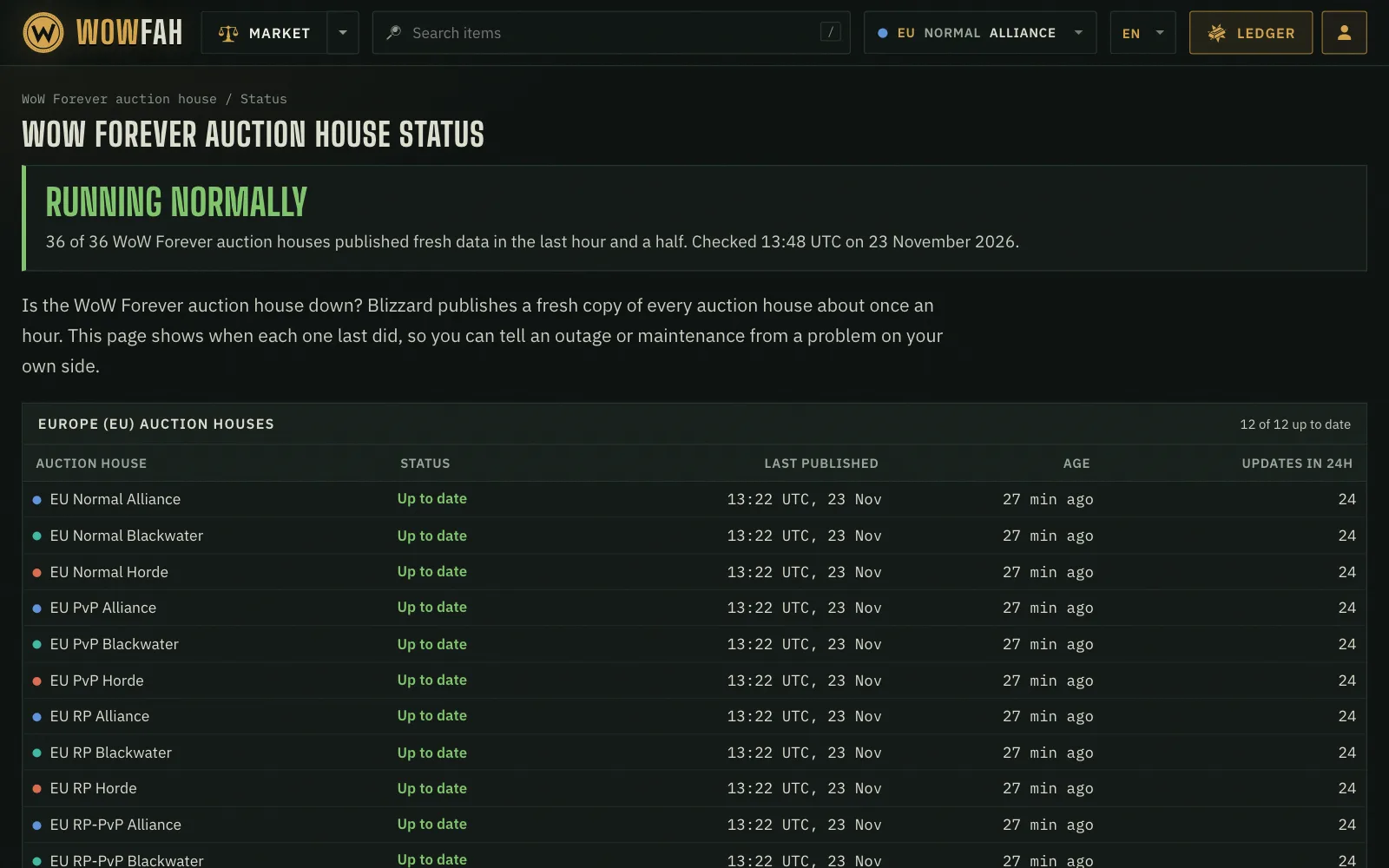
Right now 36 of 36 WoW Forever auction houses have published fresh data in the last hour and a half, checked at 06:41 UTC on 25 November 2026. The auction house service is running in every region, so if yours will not open the cause is more likely on your side. Live status of every house.
The short version
| What you see | Most likely cause | What to try |
|---|---|---|
| No Auctionator tabs at the auction house | Addon not loaded or out of date | Check the AddOns list, then update |
| Scan or search never finishes | The auction house is not answering, or an addon clash | Test the plain window with addons off |
| Posting is stuck on "Searching" | The item or its price, not the addon | Try another item, or list above 1 silver |
| Lua error window pops up | Out-of-date addon | Update, then /reload |
| Nothing works with addons off either | The game, or a hold on your account | See steps 1 and 6 |
1. Is the auction house itself working?
Check this first, because it needs no game client. wowfah reads every auction house from Blizzard's data about once an hour, and the status page shows when each one last published. If your house is fresh, the auction house is running and the fault is on your side. If every house is hours old, the game is in maintenance or Blizzard's data is late, and Auctionator will not work until it is back.
2. Reload and test without addons
- Type
/reloadand try again. - If it still fails, log out, click AddOns on the character screen and untick everything.
- Open the auction house with the plain window. Search for a common item such as Linen Cloth.
If the plain window works, an addon is the cause. If it fails as well, skip to step 5.
3. Update Auctionator
An addon built for an older version of the game is the usual reason for errors after a patch. Guide sites report Forever builds of Auctionator on CurseForge since late September 2026, with frequent updates. Open your addon manager, or Auctionator's CurseForge page, and install the newest file marked for WoW Forever. Then make sure it is ticked in the AddOns list on the character screen, with "Load out of date AddOns" ticked if the game shows that option.
4. Look for a clash with another addon
Auctionator, TradeSkillMaster, Auctioneer and similar addons all change the same window. Turn on Auctionator alone. If it works, add your other addons back a few at a time until it breaks, and you have found the one that clashes.
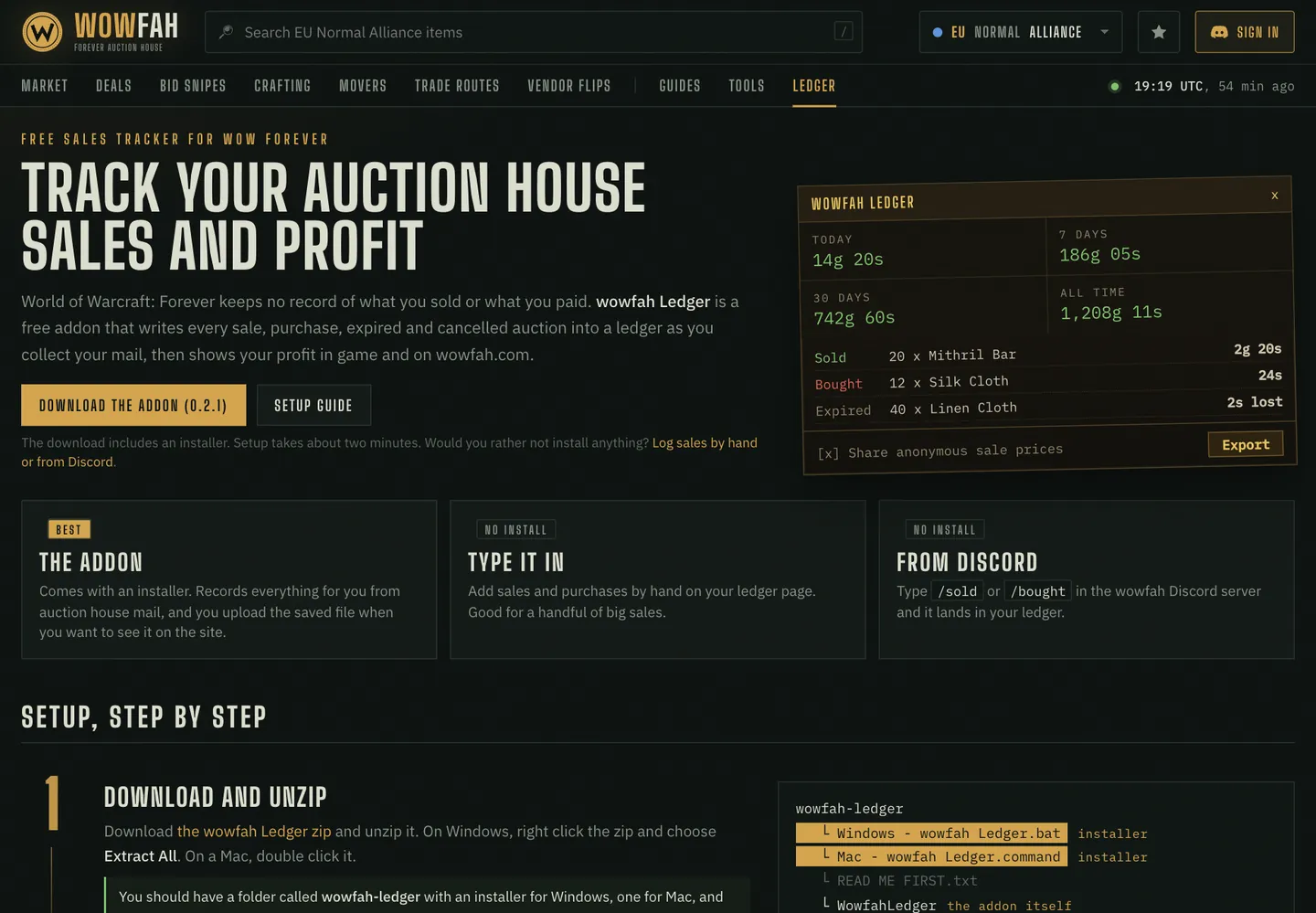
Our own addon, wowfah Ledger, reads your mail and your own postings and does not change the auction house window, so it can stay on.
5. Try a different item
On 13 November 2026 a player on Blizzard's forums reported that selling was stuck on "Searching" until they stopped trying to list an item for less than 1 silver. If one item will not post, try another, or list at 1 silver or more. The not working guide covers this and the "auction house is closed" message.
6. If nothing works on your account only
Blizzard announced Temporary Economy Holds in October 2026. An account flagged for possible real money trading loses trade, mail, guild bank and auction house access while it is checked. No addon setting changes that. If the plain window fails for you while friends on the same house are fine, contact Blizzard support.
If prices look wrong after a scan
Auctionator's prices are from your last scan, so they can be hours or days old. To check a price without scanning, look the item up on wowfah, where every house is updated about once an hour, or read how to read auction house prices.
FAQ
Why is Auctionator not working in WoW Forever?
Most often it is out of date after a game update, or another auction house addon is clashing with it. Update it from CurseForge, type /reload, and test it with every other addon turned off.
Does Auctionator work with WoW Forever?
Yes. Forever builds have been on CurseForge since late September 2026. Install the file marked for WoW Forever, not the retail or Classic one.
Why are there no Auctionator tabs at the auction house?
The addon is not loaded. Check it is ticked in the AddOns list on the character screen and that you installed the Forever version.
Why is my Auctionator scan stuck?
If the plain auction window is also slow or empty, the auction house is not answering, which no addon can fix. Check the status page. If the plain window works, update Auctionator and turn other auction addons off.
Can I use Auctionator and TSM together?
They can both be installed, but they change the same window and can clash. If something breaks, run one at a time to find out which.
Sources and method
Addon availability: Auctionator on CurseForge, and our auction house addons guide, checked on 19 November 2026. The stuck-on-Searching report: Blizzard's forums, "Wow Forever AH unable to sell or search", 13 November 2026, a player's finding and not a confirmed fix. Temporary Economy Holds: Blizzard's post "Temporary Economy Holds for RMT", as reported by Warcraft Tavern on 14 October 2026. Snapshot times come from wowfah's record of the auction data Blizzard publishes. We are not connected to the Auctionator project. How the numbers work.